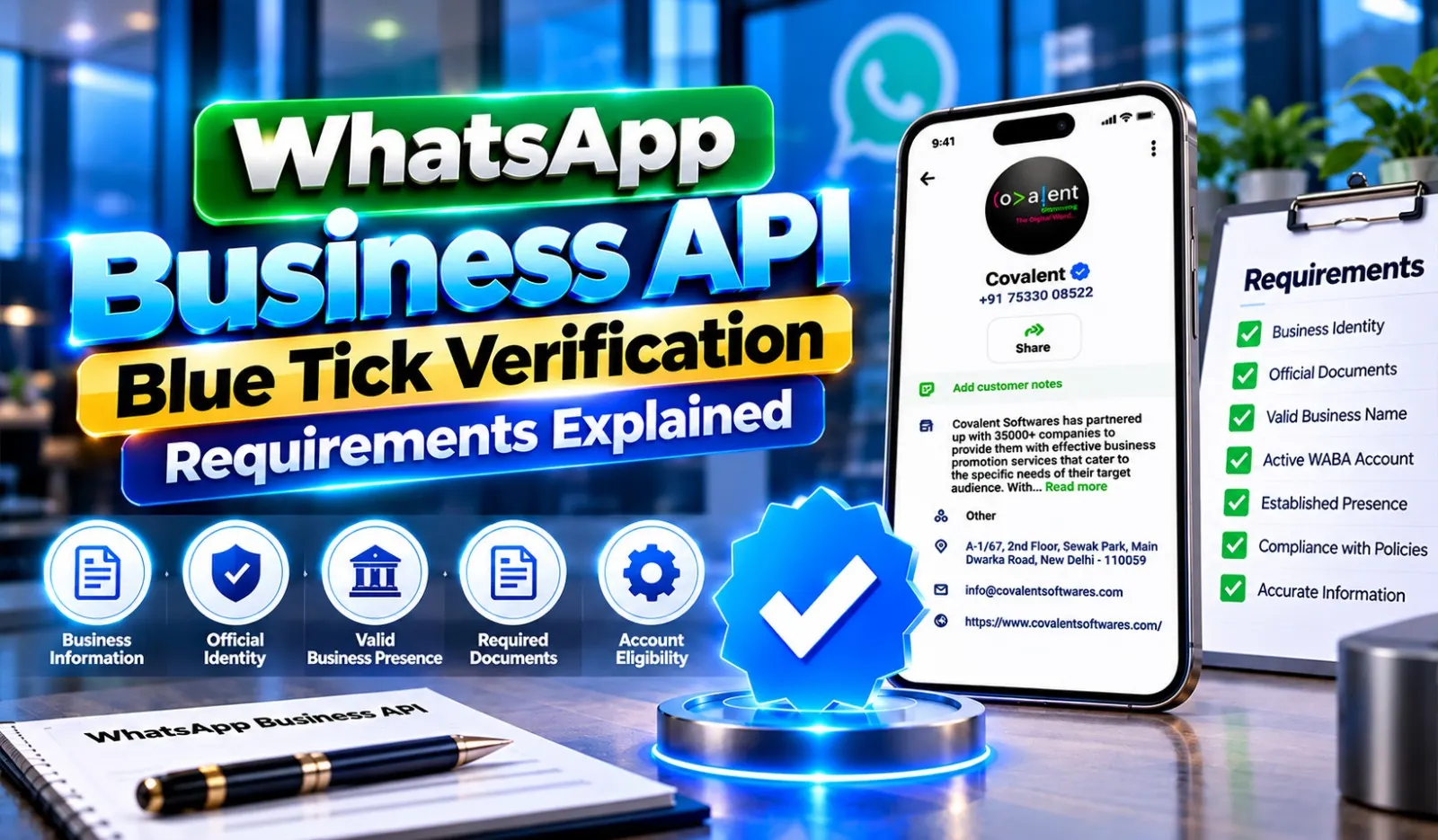
Businesses are increasingly using WhatsApp to communicate with customers, answer enquiries and share important updates. As more companies move towards digital communication, establishing an authentic business identity has become an important consideration.
A blue tick on WhatsApp helps customers recognise an eligible business account as an authentic presence. However, receiving this badge requires businesses to meet the applicable verification conditions and follow Meta's policies.
For companies planning to use WhatsApp for professional communication, understanding the verification process is essential. National Bulk SMS provides WhatsApp Business API solutions and assistance to businesses looking to establish their official presence on WhatsApp.
This guide explains the important requirements, eligibility conditions, application process and common mistakes businesses should understand before applying for verification.
Understanding WhatsApp Business API Blue Tick Verification
WhatsApp Business API, now known as the WhatsApp Business Platform, allows organisations to communicate with customers through an official business messaging system.
The blue tick is associated with Meta's verification programmes. Depending on the programme, businesses may receive a Meta Verified badge or an Official Business Account badge. These are separate offerings with different eligibility conditions and availability.
The badge helps customers identify an authentic business account and distinguish it from accounts that may be impersonating the company.
Verification can support business credibility, but it does not automatically guarantee higher sales, message delivery, or customer engagement.
Why Businesses Should Consider WhatsApp Verification
Customers want to know whether they are communicating with the correct organisation, especially when discussing payments, purchases, bookings, or personal information.
An applicable verification badge can help businesses establish a more identifiable presence.
Some important advantages include:
- Business Authenticity: Helps customers recognise the official business account.
- Brand Identification: Makes the account easier to distinguish from similar-looking profiles.
- Customer Confidence: Provides an additional signal of business authenticity.
- Professional Presence: Supports a more established identity on WhatsApp.
- Consistent Communication: Helps businesses maintain an identifiable channel for customer conversations.
- Brand Protection: Can help reduce confusion caused by impersonation attempts.
Eligibility Conditions for WhatsApp Business Blue Tick Verification
Before submitting an application, businesses should understand the conditions associated with the verification programme they intend to use.
1. Maintain a Genuine Business Identity
The business must provide accurate information about its legal or recognised business identity.
The business name, website, contact details and supporting documents should be consistent wherever applicable.
Incorrect or misleading information can create problems during the verification process.
2. Use an Eligible WhatsApp Business Account
Businesses must use an account type supported by the selected verification programme.
For the Official Business Account route, eligibility is generally associated with businesses using the WhatsApp Business Platform and meeting Meta's additional requirements.
Meta Verified availability and requirements may differ depending on the market and subscription option.
3. Complete Business Verification Where Required
Meta may require businesses to complete business verification through its business management tools.
Depending on the application, organisations may need to provide:
- Registered business name.
- Business address.
- Official website.
- Business registration details.
- Contact information.
- Supporting legal documents.
The information submitted should match the business records.
4. Maintain a Complete Business Profile
An incomplete profile can make it difficult for customers to identify an organisation.
Before applying, check that the business profile contains the correct:
- Business name.
- Profile image or logo.
- Business description.
- Website address.
- Contact information.
- Business category.
Accurate information helps maintain consistency between the business and its WhatsApp presence.
5. Follow WhatsApp Business Policies
Businesses must comply with the WhatsApp Business Messaging Policy, Commerce Policy and other applicable Meta terms.
Companies should avoid prohibited products, misleading claims, spam, unauthorised messaging and activities that violate platform rules.
Following these policies is important for maintaining account eligibility and preventing restrictions.
6. Establish a Recognisable Public Presence
For certain verification routes, particularly the Official Business Account badge, Meta may consider whether the business is notable and publicly recognised.
Independent media coverage from recognised publications can help demonstrate public recognition.
Paid advertisements, promotional articles, or content controlled by the business may not be accepted as independent evidence of notability.
Meeting the basic account requirements alone does not guarantee approval.
Documents Businesses Should Prepare Before Applying
Preparing accurate business information can make the application process easier.
The documents required depend on the verification route and the business's location.
Commonly requested information may include:
- Business registration certificate.
- Legal business name.
- Business address proof.
- Official website.
- Business email address.
- Tax or registration information, where applicable.
- Authorised representative details.
- Supporting business information.
Meta determines which documents are acceptable. Businesses should always check the latest requirements in their account's verification section before submitting anything.
Step-by-Step Process to Apply for WhatsApp Business Verification
The application process depends on whether the business is applying for Meta Verified or an Official Business Account badge.
Step 1: Set Up Your Business Account
Start by establishing your WhatsApp Business presence through the appropriate account or platform.
Make sure your business details are correct and your account is configured according to Meta's requirements.
Step 2: Complete the Required Business Information
Enter the official business name, address, website and other requested details.
Use information that matches your supporting business documents.
Step 3: Complete Business Verification
Where required, access Meta Business Suite or the relevant business management settings.
Submit the requested information and documents to verify the organisation.
Step 4: Review Verification Eligibility
Check whether your business qualifies for the intended verification programme.
For an Official Business Account, Meta may assess additional conditions such as notability and compliance.
For Meta Verified, availability, subscription conditions and eligibility may vary.
Step 5: Submit Your Application
Follow the application instructions shown in the relevant Meta account settings.
Review all information carefully before submission to avoid inconsistencies.
Step 6: Wait for Meta's Decision
Meta reviews the application and decides whether the account qualifies.
Approval is not guaranteed and the review period can vary. Follow any additional instructions provided in the account dashboard.
Common Reasons Why WhatsApp Blue Tick Applications Get Rejected
Businesses sometimes receive rejection notices because their applications do not meet the required conditions.
Some common issues include:
1. Incorrect Business Information
Differences between the submitted business name, registration documents and online information may create verification difficulties.
2. Incomplete Documentation
Missing or unclear documents can prevent Meta from confirming the business identity.
3. Weak Public Recognition
For the Official Business Account route, insufficient independent media coverage may affect the assessment of notability.
4. Policy Violations
Businesses involved in restricted activities or repeated messaging policy violations may not qualify.
5. Incomplete Account Setup
Missing business details or an improperly configured account can affect the application process.
Businesses should carefully review the rejection reason and correct eligible issues before considering another application.
Practical Ways to Prepare Your Business for Verification
Before applying, take time to organise your business presence.
- Keep your website active and updated.
- Use the same business name across official channels.
- Maintain accurate registration information.
- Complete your WhatsApp business profile.
- Follow WhatsApp messaging rules.
- Build genuine public recognition through independent media coverage.
- Use an official business email address.
- Keep supporting documents ready.
These steps help businesses maintain a consistent identity and prepare for the relevant verification checks.
Use Cases of WhatsApp Business API Blue Tick Verification
Use Case 1: Online Jewellery Brand Establishing Authenticity
An online jewellery business sells products through its website and social media accounts. Customers regularly ask about product materials, pricing, delivery and payment options.
The company wants customers to identify its official WhatsApp account before sharing order-related information.
Proposed Approach:
The brand establishes its WhatsApp Business Platform account, completes the applicable business verification requirements and applies for the relevant badge if eligible.
Business Benefits:
- Easier identification of the official account.
- Better brand consistency.
- More organised customer conversations.
- Improved confidence during product enquiries.
- A recognisable communication channel.
Use Case 2: Travel Agency Improving Booking Communication
A travel agency receives enquiries about holiday packages, hotel bookings, flight arrangements and travel documents.
Customers sometimes hesitate to respond to messages because they are unsure whether the WhatsApp account belongs to the actual agency.
Proposed Approach:
The agency creates an official WhatsApp Business presence, completes the applicable verification steps and uses the account for permitted booking updates and customer assistance.
Business Benefits:
- Better identification of the agency.
- Consistent booking communication.
- Easier access to travel information.
- Organised customer enquiries.
- Improved brand credibility.
Case Studies: Preparing Businesses for WhatsApp Verification
These are illustrative scenarios based on common business requirements, not verified client projects or actual approval results.
Case Study 1: A Fashion Retailer Organising Its Business Identity
Business Challenge:
A fashion retailer sells products through an online store and social media platforms. Its website, business documents and social media profiles contain slightly different versions of its business name.
This creates difficulties when customers try to identify its official communication channel.
Solution:
The retailer reviews its legal business information, updates its website and WhatsApp profile and prepares the necessary documents.
It then reviews the applicable Meta verification requirements before submitting an application.
Expected Benefits:
- More consistent business information.
- Better identification of the official account.
- Improved brand presentation.
- Easier customer communication.
- A more organised verification process.
Case Study 2: A Software Company Strengthening Its Public Presence
Business Challenge:
A software company wants to use WhatsApp Business API for product enquiries, technical assistance and service notifications.
However, it has limited independent media coverage and needs to understand the additional requirements for an Official Business Account badge.
Solution:
The company improves its official website, ensures consistent business information, reviews WhatsApp policies and works on building genuine public recognition through independent industry publications.
It then evaluates its eligibility for the relevant verification programme.
Expected Benefits:
- Better business identity management.
- Stronger online brand presence.
- More organised customer communication.
- Improved preparation for verification.
- A clearer understanding of eligibility requirements.
How National Bulk SMS Helps with WhatsApp Business API Services
Businesses planning to use WhatsApp professionally may need assistance with account setup, integration, messaging and verification requirements.
National Bulk SMS provides WhatsApp Business API solutions to help companies manage customer communication through an official business messaging system.
Its services include:
- WhatsApp Business API Setup: Assistance with establishing the business messaging connection.
- Blue Tick Verification Assistance: Guidance on the applicable Meta verification process and eligibility.
- Bulk WhatsApp Messaging: Support for approved business messaging to opted-in customers.
- WhatsApp Automation: Configure automated responses and customer communication workflows.
- CRM Integration: Connect WhatsApp communication with customer management systems.
- Multi-Agent Support: Allow multiple employees to manage conversations through supported inbox solutions.
- Business Notifications: Send eligible order updates, reminders and service information.
Businesses can contact National Bulk SMS to understand the available services and requirements for their communication needs.
Mistakes to Avoid During WhatsApp Verification
A few common mistakes can make the application process more difficult.
1. Using Different Business Names: Keep the name consistent across documents and official channels.
2. Submitting Unclear Documents: Provide readable and valid supporting records.
3. Ignoring Platform Policies: Review messaging and commerce requirements before applying.
4. Using Unofficial Claims: Avoid providers promising guaranteed verification.
5. Confusing Verification Programmes: Understand the difference between Meta Verified and an Official Business Account badge.
6. Sending Unwanted Messages: Follow customer consent and messaging rules.
7. Ignoring Rejection Reasons: Review Meta's feedback before making another application.
FAQs
For the Official Business Account badge, businesses generally need to use the WhatsApp Business Platform and meet Meta's additional requirements. Meta Verified has separate eligibility conditions and availability.
No. Business registration alone does not guarantee approval. Eligibility depends on the selected verification programme, account requirements, policy compliance and other applicable conditions.
The review period varies depending on the verification programme and application. Businesses should check their Meta account dashboard for updates and any additional requirements.
Depending on the programme and the decision received, a business may be able to submit another application after addressing the identified issues. It should follow the instructions and waiting period specified by Meta.
Yes. National Bulk SMS offers WhatsApp Business API services and assistance with the applicable verification requirements. Businesses can enquire about account setup, integration and the verification process.


